


General
Top 10 HVAC Dispatch Software for Growing Operations in 2026
Key Takeaways
- The best HVAC dispatch software depends on company size, dispatch complexity, technician count, service area, and whether the business needs a complete FSM platform or a specialist routing layer.
- Basic calendar scheduling is not the same as live dispatch. Advanced platforms support skill-based assignment, real-time technician tracking, dynamic reassignment, exception management, and route optimization.
- Small HVAC businesses may prioritize usability, mobile tools, invoicing, customer communication, and transparent pricing.
- Commercial and enterprise HVAC teams often need maintenance agreement management, asset history, job costing, SLA controls, multi-region coordination, and integration with existing ERP or CRM systems.
- Locus is designed for larger HVAC operations that need route optimization, live dispatch control, and execution orchestration alongside an existing field service management environment.
- According to the HVAC Industry Pulse 2025 report, 53% of HVAC businesses use field service management software, while small HVAC companies spend an average of 15.4 hours per week on administrative work.
HVAC dispatch software determines how jobs are assigned, adjusted, and completed during the day.
Most HVAC teams use tools designed for scheduling, not execution. These systems assign work but provide limited control once technicians are on the road. When conditions change, dispatchers rely on manual coordination.
Common issues include:
- Limited real-time visibility into job status
- Inability to rebalance routes mid-day
- Weak handling of emergency or priority calls
- Dispatch decisions spread across disconnected tools
For multi-branch HVAC operators, these gaps compound quickly. Missed jobs in one region cascade into overtime, SLA penalties, and customer churn in others. What begins as “manual coordination” becomes a structural bottleneck as volumes grow.
This guide compares the best HVAC dispatch software in 2026, focusing on execution control, routing flexibility, and dispatch visibility. It also explains how Locus supports real-time dispatch decisions at scale.
Key Features To Look For In HVAC Dispatch Software
HVAC dispatch software should support live operations, not just job scheduling. As daily volumes increase and service conditions change, dispatch teams need control during execution.
- Real-time dispatch visibility: Dispatchers should see technician location, job status, delays, and completion progress in one view. Visibility must update continuously, not through manual refreshes or status calls.
- Dynamic route and job reassignment: The system should allow mid-day changes without rebuilding schedules. This includes adding emergency jobs, rerouting technicians, or reassigning work when delays occur.
- Capacity and skill-based assignment: Dispatch decisions should account for technician skills, job type, service priority, and available capacity. This reduces repeat visits and improves first-time resolution.
- Exception and delay management: The platform should flag missed time windows, stalled jobs, or route deviations. Alerts must focus on actionable exceptions, not routine updates.
- Integration with operational systems: Dispatch software should connect with order intake, customer communication, and reporting systems to avoid duplicate work and fragmented decision-making.
These capabilities separate scheduling tools from dispatch platforms built for real-world HVAC operations.
Benefits of HVAC Dispatch Software
Reduce technician drive time
Route optimization can help group appointments geographically, sequence jobs more efficiently, and reduce unnecessary technician travel. This can lower fuel spend, reduce windshield time, and create additional service capacity without adding vehicles or technicians.
Improve emergency-call response
When a critical heating, cooling, or refrigeration issue is reported, dispatchers need to identify the right technician—not only the nearest technician. Advanced systems help evaluate proximity, availability, skills, certifications, workload, and existing customer commitments.
Increase technician utilization
Dispatch software can improve utilization by balancing work across technicians, reducing route inefficiencies, and limiting avoidable gaps between appointments. This is especially important when qualified technician availability is constrained.
The HVAC Industry Pulse 2025 report found that 38% of HVAC business owners identified finding qualified technicians as a concern. That figure rose to 76% among companies with six to 10 employees.
Protect customer appointment windows
Customers expect accurate arrival windows and proactive communication when plans change. Dispatch platforms can help teams detect late-running technicians and protect high-priority appointments before delays cascade across the day.
Reduce manual administrative work
Small HVAC companies spend an average of 15.4 hours per week on administrative work, according to the HVAC Industry Pulse 2025 report. Scheduling automation, technician mobile apps, customer notifications, and digital work orders can reduce repetitive coordination tasks.
Support scalable growth
A dispatch process that works for five technicians may not work for 50. As service zones, job types, customer commitments, and technician pools expand, teams need consistent logic for assignment, prioritization, routing, and exception handling.
For growing operations, understand why route optimization matters for growing service operations before relying solely on manual dispatch processes.
Two Types of HVAC Dispatch Platforms in Practice
As HVAC businesses expand, the way dispatch software behaves during a live workday starts to matter more than how well it looks on a planning screen.
Scheduling-first platforms
This category treats the day as something to be finalized upfront. These systems revolve around assigning jobs ahead of time, lining up technician calendars, and keeping work orders aligned with billing and customer records. In environments where demand is steady, such as annual maintenance visits booked weeks in advance, this approach can hold up reasonably well.
Execution-driven platforms
This class of tools assumes the opposite: that the plan will break. These platforms are built for active control during the day, adjusting assignments when a compressor failure comes in unexpectedly, shifting nearby technicians when a job runs long, or compensating for traffic delays without requiring dispatchers to manually reshuffle the board.
As volume increases, the operational gap between these approaches becomes harder to ignore. A dispatcher managing forty jobs across multiple service windows cannot rely on static assignments without constant intervention.
In schedule-centric systems, this usually shows up as phone calls, side spreadsheets, and ad hoc judgment calls to decide which customer gets delayed. Platforms designed for live execution absorb those trade-offs inside the system, applying rules consistently instead of relying on individual experience.
Most HVAC teams comparing dispatch software are effectively deciding how much operational load they want humans to carry as growth continues.
Teams that remain on planning-heavy systems often compensate in familiar ways. More dispatchers are added to keep up with mid-day changes, overtime becomes the safety net for missed slots, and reliability depends on a few people knowing how to patch things together under pressure.
Costs rise, while predictability remains fragile. Systems built around execution shift those pressures into software logic, allowing scale without multiplying coordination overhead.
Top HVAC Dispatch Software in 2026 – Overview
The table below compares leading HVAC dispatch platforms based on operational focus. It highlights how each tool supports dispatch control, execution flexibility, and scalability as service volumes grow.
| Software | Primary Dispatch Focus | Best Suited For |
|---|---|---|
| Locus | Route planning, live dispatch control, execution orchestration | Enterprise HVAC networks with multi-region operations |
| ServiceTitan | End-to-end field service management | Large HVAC contractors with integrated FSM needs |
| Jobber | Job scheduling and technician coordination | Small to mid-sized HVAC service teams |
| FieldPulse | Mobile-first dispatch and job tracking | Growing HVAC businesses that need simple dispatch workflows |
| ServiceTrade | Planned maintenance and service contracts | Commercial HVAC and facilities-focused teams |
| Fieldpoint | Work order and asset-centric dispatch | HVAC service teams with asset-heavy operations |
| BuildOps | Project-driven dispatch and scheduling | Large commercial HVAC and construction service firms |
| Workiz | Job dispatch with customer communication | Small HVAC businesses prioritizing speed and simplicity |
| FieldEdge | Dispatch with accounting integration | HVAC contractors using QuickBooks-led workflows |
| Upper | Route optimization | Teams optimizing technician travel |
This overview shows a clear split between FSM-led scheduling tools and execution-focused dispatch platforms, which becomes critical as HVAC operations scale across crews, regions, and service commitments.
Top 10 HVAC Dispatch Software – Detailed Comparison
1. Locus
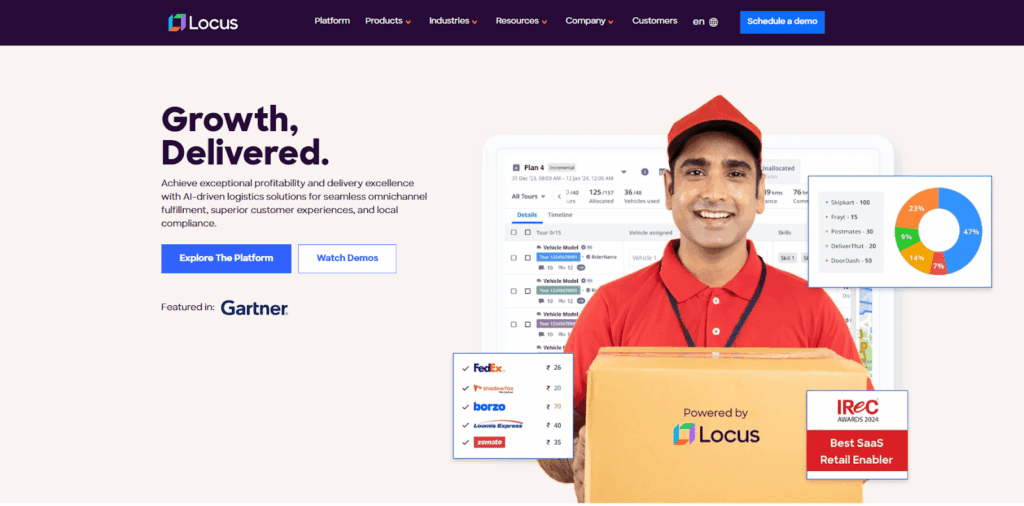
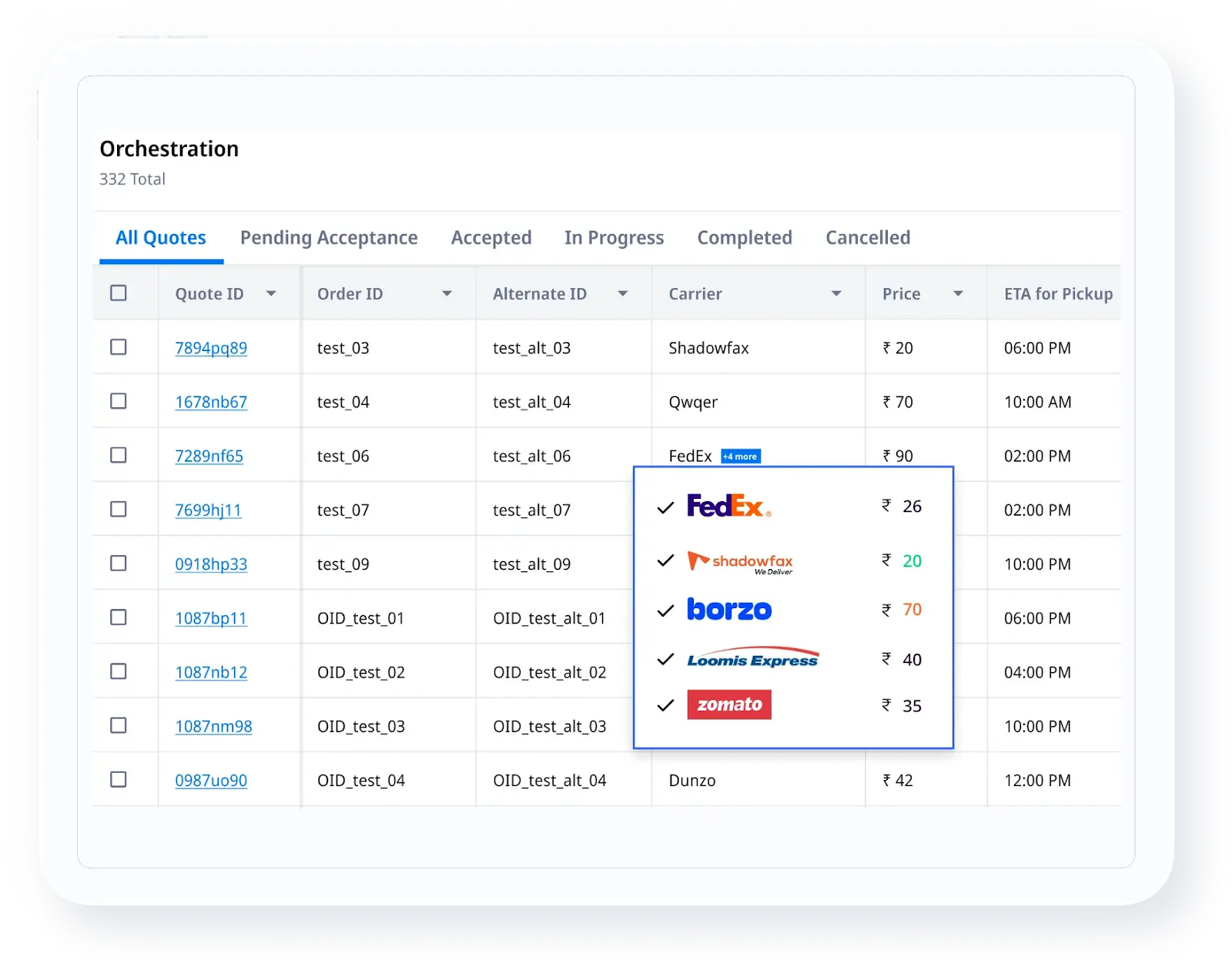
Locus is built for dispatch operations where planning, assignment, and execution must work together. For HVAC businesses with dense daily schedules, emergency jobs, and technician constraints, Locus acts as a live dispatch layer rather than a static scheduling tool.
Instead of focusing only on vehicle tracking or field reporting, Locus helps teams plan routes, assign jobs, and make changes during the day without rebuilding schedules or relying on manual coordination.
Locus’s Key Features:
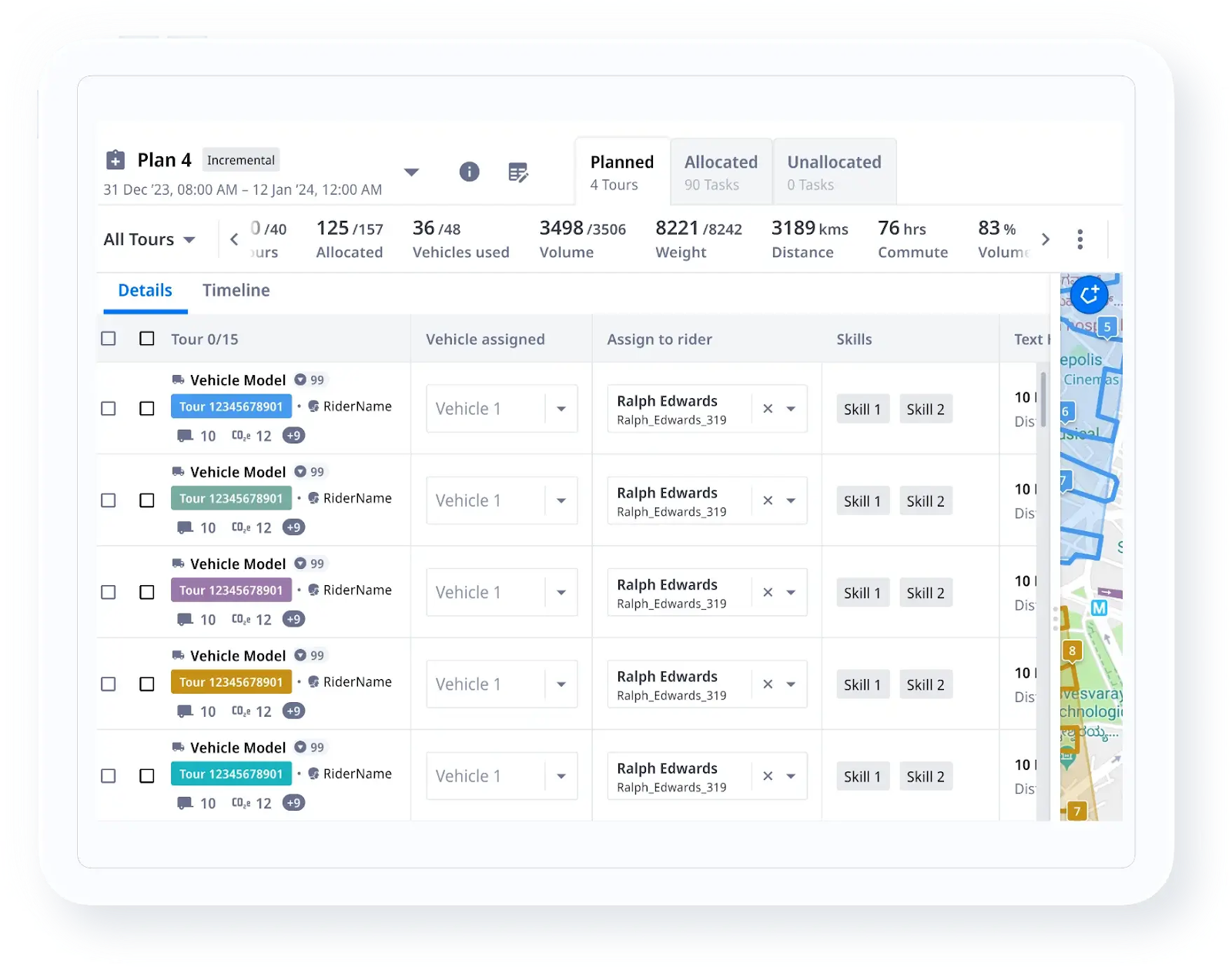
- AI-Driven dispatch automation: Automates route planning and job assignment based on technician availability, skills, time windows, and service priorities. Reduces manual dispatcher effort during peak hours.

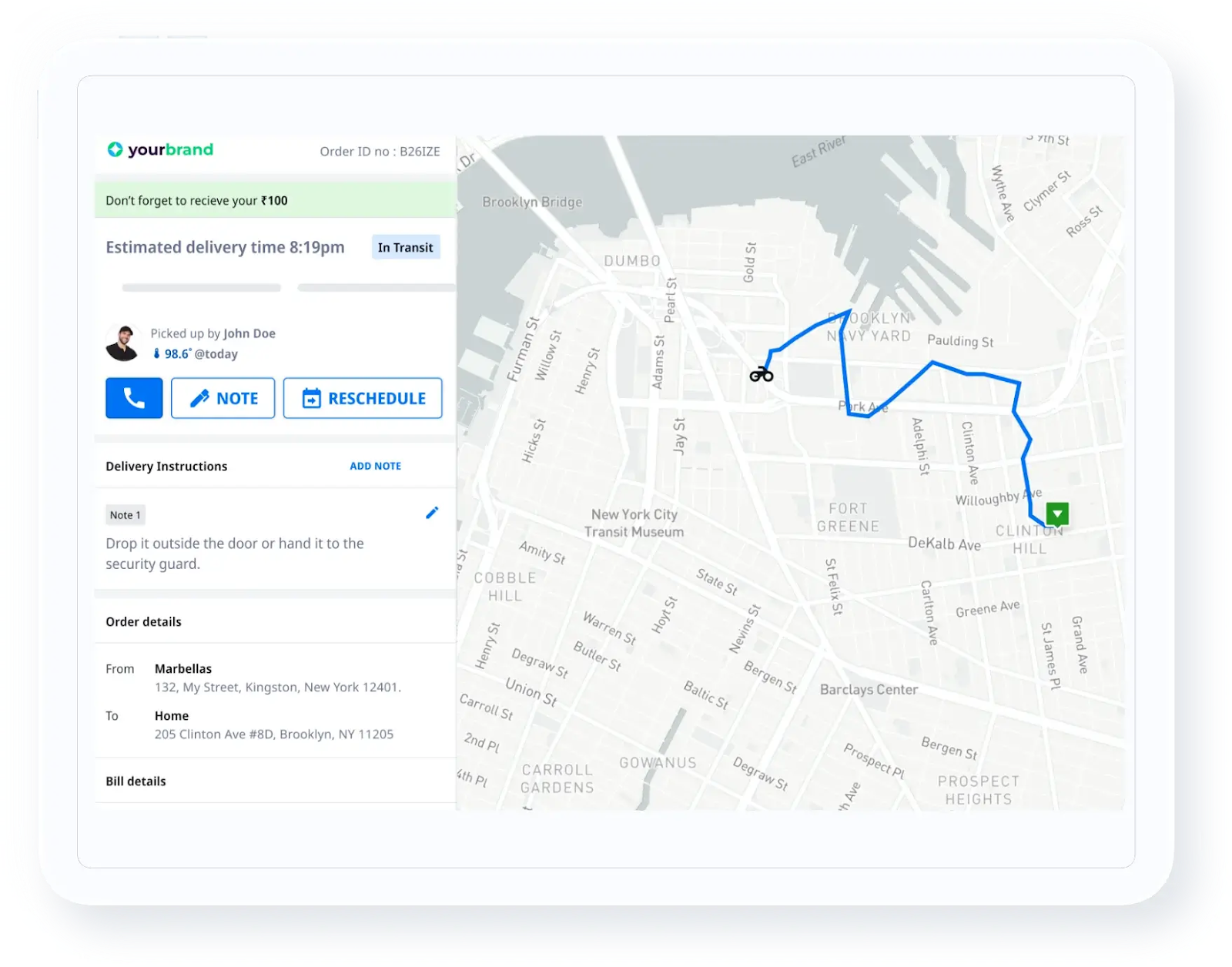
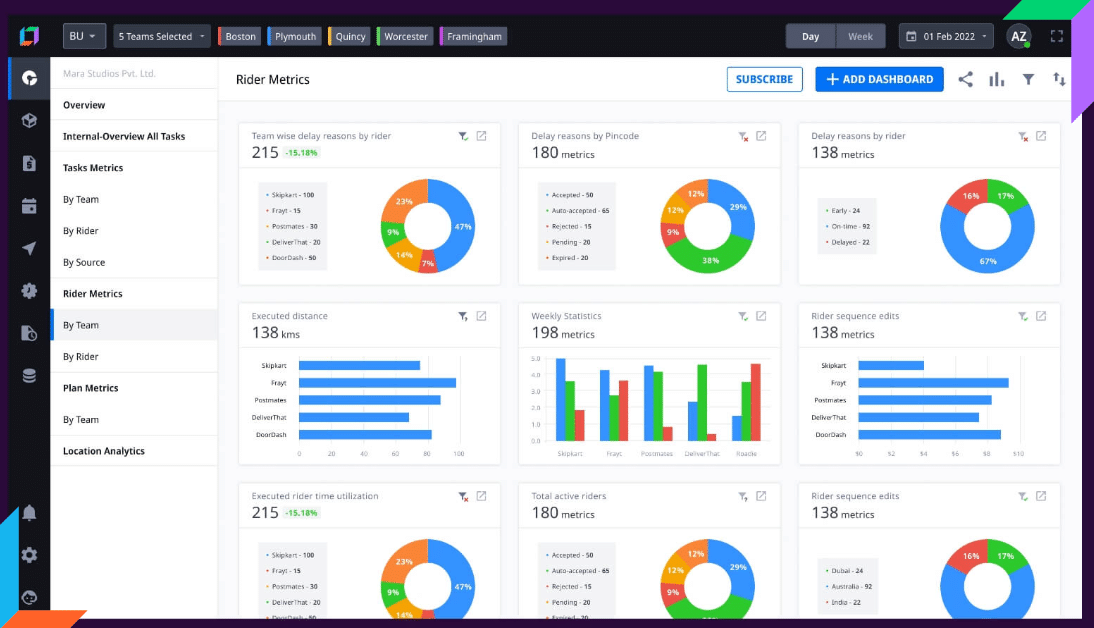
- End-to-end operational visibility: Provides a single view of jobs, technicians, routes, and exceptions so dispatchers can see what is happening and why it matters.
- Scalable execution control: Maintains performance as job volume, service areas, and technician count grow. Supports multi-region operations without slowing dispatch decisions.
- Real-Time decision-making: Enables live adjustments for delays, emergency calls, or overruns, helping teams protect SLAs and customer commitments.

Locus Is Ideal for
- HVAC companies managing high daily job volumes
- Teams handling both scheduled work and urgent service calls
- Operations that need dispatch control during execution, not after the day ends
Locus’s Pricing:
Locus uses a custom enterprise pricing model aligned with operational scale, regions, and automation depth rather than per-user or per-job limits.
Pricing reflects the complexity of routing, dispatch, and orchestration workflows being automated, making it better suited for high-volume, multi-region HVAC operations.
This structure helps large service networks avoid cost inflation as technician count, daily jobs, and service territories expand.
2. ServiceTitan

ServiceTitan is a field service management platform built for HVAC contractors that want an all-in-one system for scheduling, dispatch, billing, and customer management. It focuses on office-to-field workflows rather than live dispatch execution control.
ServiceTitan’s Key Features
- Job scheduling and dispatch: Assigns technicians based on availability, skills, and location. Works well for planned schedules but offers limited flexibility for frequent mid-day changes.
- CRM and customer management: Tracks customer history, estimates, invoices, and communications in one system.
- Mobile technician app: Supports field job updates, photos, invoices, and signatures.
- Reporting and business analytics: Revenue, job costing, and technician performance reports for management teams.
ServiceTitan Is Ideal for
- Teams with predictable schedules and limited same-day rerouting
- Companies looking for a broad field service platform
ServiceTitan’s Pricing
ServiceTitan uses custom pricing based on company size, users, and selected modules. Costs typically increase as teams scale technicians and features.
3. Jobber
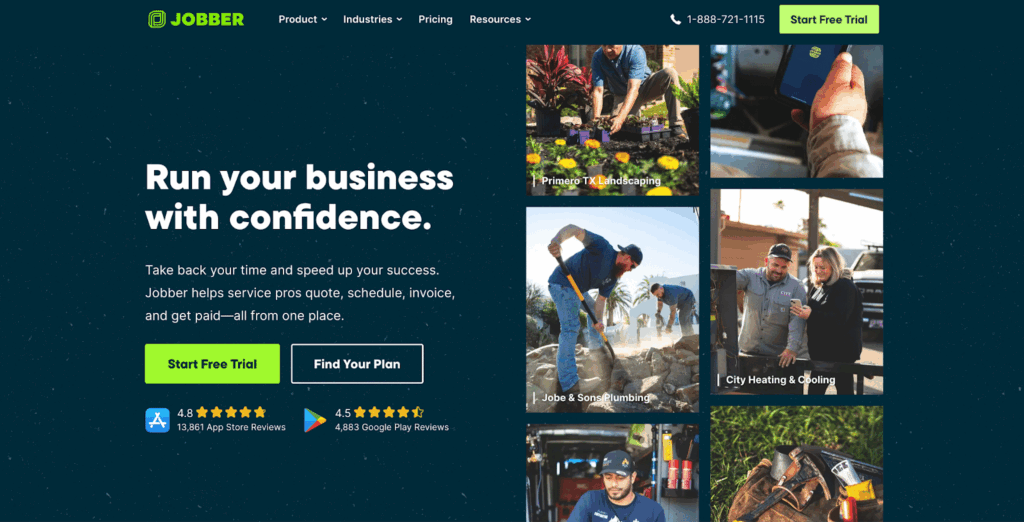
Jobber is a field service platform focused on scheduling, invoicing, and customer communication for small to mid-sized HVAC businesses. It prioritizes ease of use over advanced dispatch execution.
Jobber’s Key Features
- Simple scheduling and dispatch: Drag-and-drop calendar for assigning jobs. Best for stable daily plans with minimal mid-day changes.
- Client management and invoicing: Estimates, invoices, payments, and reminders in one place.
- Mobile technician app: Job details, time tracking, and customer updates from the field.
- Basic reporting: Job status, revenue, and team activity summaries.
Jobber Is Ideal For
- Owner-operators needing fast setup and simple workflows
- Businesses prioritizing billing and customer communication
Jobber’s Pricing
Jobber offers tiered, per-user monthly plans with publicly listed pricing. Costs scale with user count and feature access.
4. FieldPulse
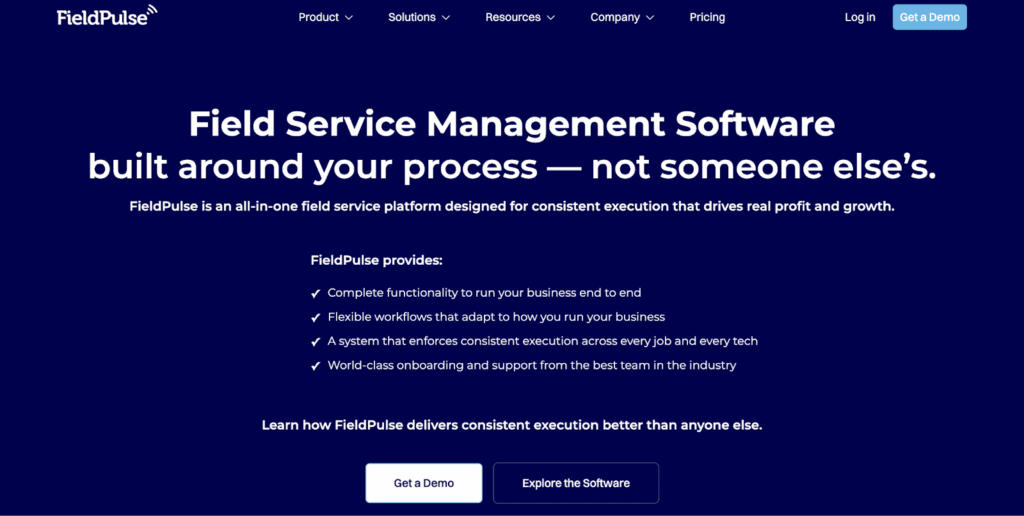
FieldPulse is a field service platform built for small and mid-sized businesses that need straightforward scheduling, dispatch, and job tracking. It emphasizes usability and quick setup over advanced, real-time dispatch control.
FieldPulse’s Key Features
- Job scheduling and dispatch: Calendar-based scheduling with basic technician assignment and status tracking.
- Work order and invoicing tools: Create estimates, invoices, and collect payments within the platform.
- Mobile technician app: Enables technicians to view jobs, update status, capture photos, and collect signatures.
- Customer records: Stores job history and contact details for repeat service work.
FieldPulse Is Ideal For
- Businesses with limited daily rescheduling needs
- Teams prioritizing simplicity over execution-time optimization
FieldPulse’s Pricing
FieldPulse offers tiered, per-user pricing with monthly subscriptions. Pricing scales with user count and selected features.
5. ServiceTrade
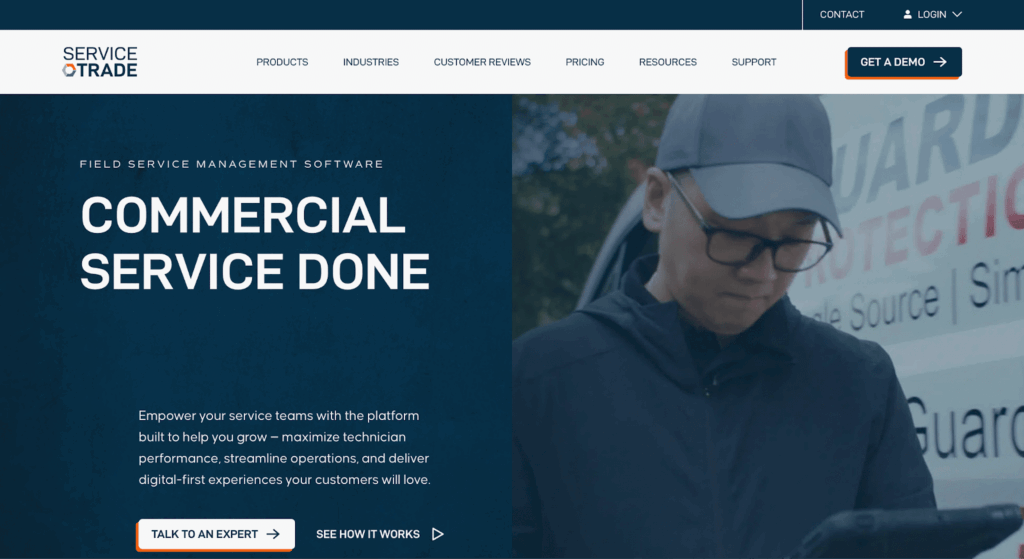
ServiceTrade is a field service management platform used by commercial and mechanical contractors. It focuses on contract work, recurring service, and asset-based maintenance rather than high-frequency, same-day dispatch optimization.
ServiceTrade’s Key Features
- Service agreement management: Manages recurring maintenance contracts, inspections, and compliance-driven service work.
- Job scheduling and dispatch: Assigns technicians based on availability and contract requirements. Limited flexibility for rapid mid-day rerouting.
- Asset and site tracking: Tracks equipment, service history, and compliance records at customer locations.
- Customer and reporting tools: Provides visibility into contract performance, technician activity, and service outcomes.
ServiceTrade Is Ideal For
- Teams focused on inspections, compliance, and planned maintenance
- Operations with predictable schedules and lower dispatch volatility
ServiceTrade’s Pricing
ServiceTrade uses custom pricing based on users, modules, and contract volume. Pricing is quote-based and typically aligned with mid- to large-sized commercial teams.
6. FieldPoint
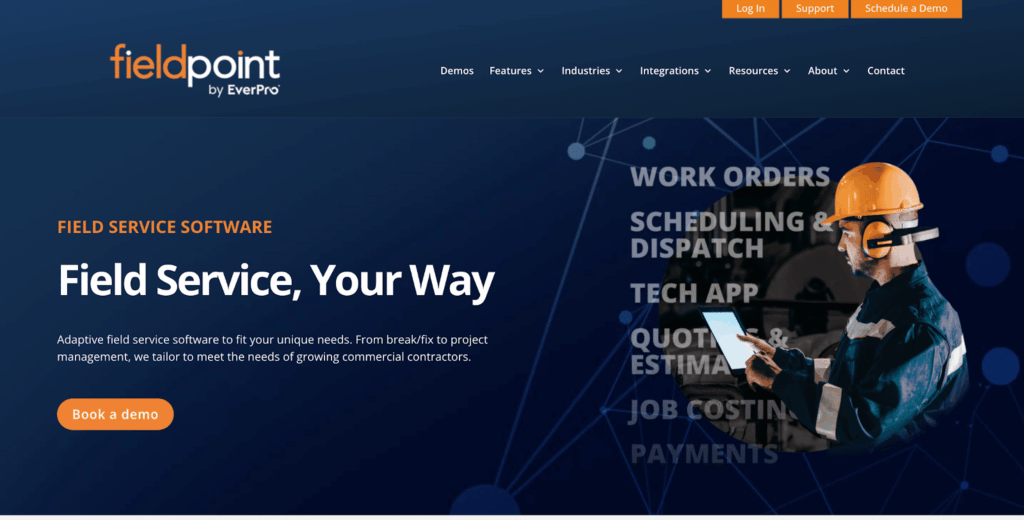
FieldPoint is a field service management platform designed for asset-heavy, enterprise service operations. It focuses on work order management, scheduling, and service execution for organizations that manage complex equipment, long service cycles, and regulated environments.
FieldPoint’s Key Features
- Dispatch and Scheduling: Rule-based scheduling for technicians, skills, locations, and service priorities. Suitable for planned and contract-based service work.
- Work Order and Asset Management: Tracks service history, warranties, parts usage, and asset lifecycle data across customer locations.
- Mobile Technician App: Supports job updates, checklists, parts usage, time tracking, and service documentation in the field.
- Service Contracts and SLAs: Manages preventive maintenance schedules, service agreements, and compliance requirements.
- Integrations and Data Sync: Connects with ERP, CRM, and accounting systems to keep service and billing data aligned.
FieldPoint Is Ideal For
- Enterprises managing asset-intensive field service operations
- Utilities, energy, telecom, and industrial service providers
- Teams with planned maintenance and contract-driven workflows
- Organizations needing structured service execution rather than dynamic routing
FieldPoint’s Pricing
FieldPoint uses custom enterprise pricing based on user count, modules, integrations, and deployment scope. Pricing typically reflects long-term service contracts and enterprise rollout requirements.
7. BuildOps
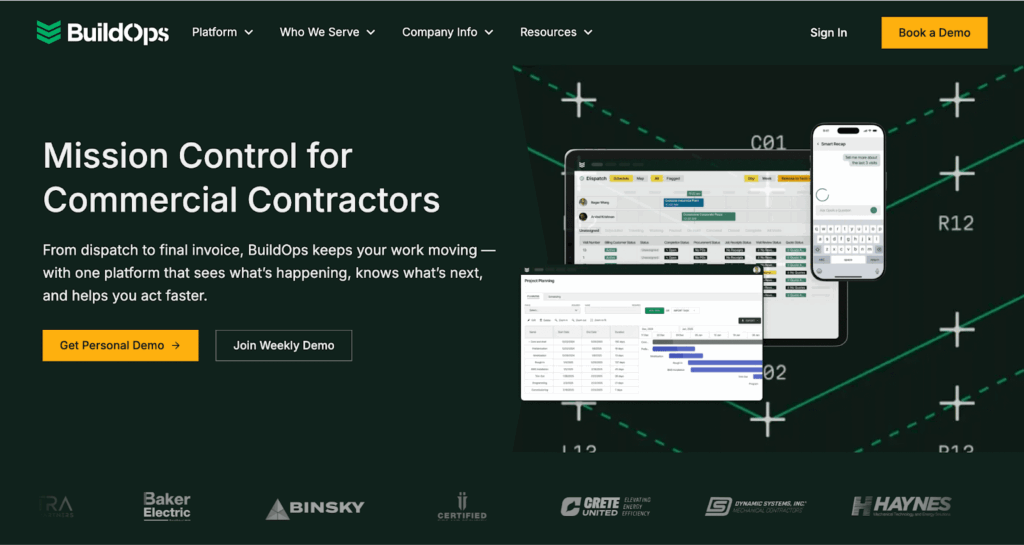
BuildOps is a field service management platform built for commercial contractors. It focuses on scheduling, dispatch, job costing, and financial visibility for teams handling complex service jobs, inspections, and maintenance across large facilities.
BuildOps’ Key Features
- Dispatch and Scheduling: Centralized dispatch with technician availability, skills, and job priority visibility. Designed for same-day changes and multi-job schedules.
- Work Order and Job Management: Manages service requests, inspections, follow-ups, and multi-day jobs with clear status tracking.
- Job Costing and Financial Controls: Tracks labor, materials, and margins at the job level, supporting tighter cost oversight.
- Mobile Technician Experience: Field app for job updates, photos, notes, checklists, and customer sign-offs.
- Customer and Asset History: Maintains service history for properties and equipment to support repeat and contract work.
BuildOps Is Ideal For
- Teams managing high-value, multi-step service jobs
- Operations needing tighter alignment between dispatch and job costing
- Businesses focused on commercial service rather than residential volume
BuildOps’ Pricing
BuildOps offers custom pricing based on team size, feature set, and operational scope. Pricing typically reflects commercial service complexity and financial tracking requirements.
8. Workiz
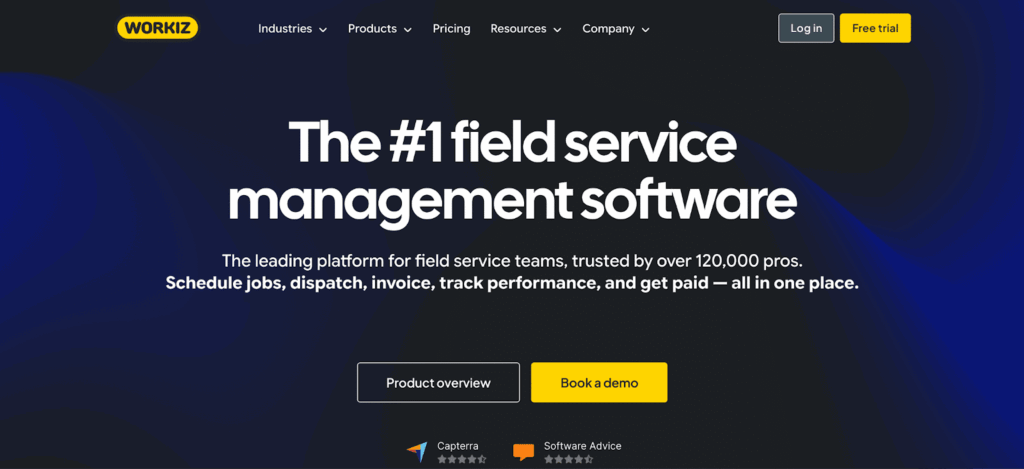
Workiz is a field service management platform aimed at small to mid-sized service businesses. It focuses on fast scheduling, technician coordination, and customer communication for day-to-day service operations.
Workiz’s Key Features
- Dispatch and Scheduling: Drag-and-drop scheduling with real-time technician availability and job status.
- Job and Customer Management: Tracks work orders, customer details, service history, and follow-ups in one place.
- Mobile App for Technicians: Enables job updates, photos, invoices, and customer signatures from the field.
- Customer Communication: Automated SMS notifications, booking confirmations, and reminders.
- Invoicing and Payments: Supports digital invoices, online payments, and basic financial tracking.
Workiz Is Ideal For
- Teams handling same-day or short-cycle service jobs
- Operations prioritizing ease of use and quick setup
- Businesses with limited dispatch complexity
Workiz’s Pricing
Workiz offers tiered, subscription-based pricing based on user count and features. Plans are generally affordable and designed for growing service teams rather than enterprise-scale operations.
9. FieldEdge
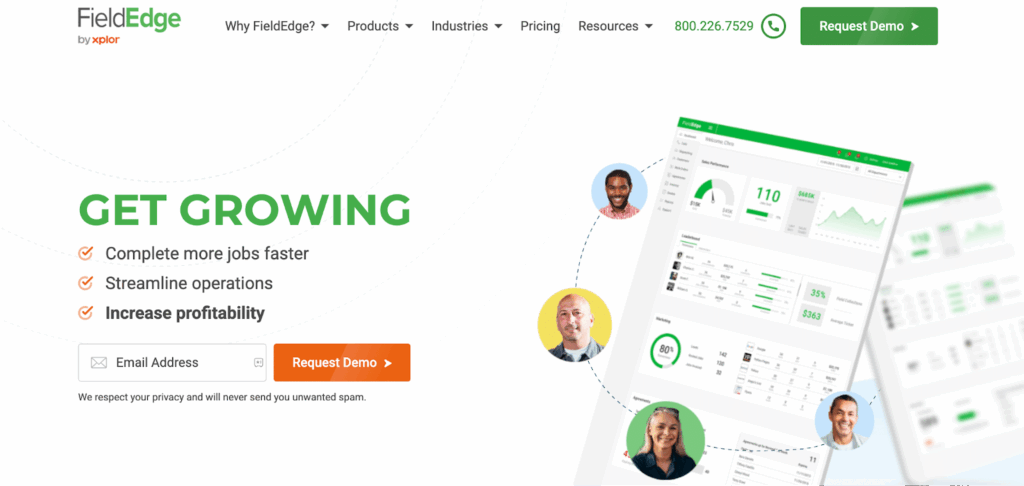
FieldEdge is a field service management platform designed for residential and light commercial service businesses. It emphasizes technician scheduling, customer history, and billing workflows tied closely to accounting systems.
FieldEdge’s Key Features
- Dispatch and Scheduling: Calendar-based scheduling with technician availability, skill matching, and job prioritization.
- Customer and Equipment History: Centralized records for customers, service locations, installed equipment, and past jobs.
- Technician Mobile App: Supports job updates, notes, photos, time tracking, and customer signatures from the field.
- Estimates, Invoicing, and Payments: Create estimates, convert them to jobs, and process invoices with payment support.
- Accounting Integration: Native integration with QuickBooks for syncing invoices, payments, and customer data.
FieldEdge Is Ideal For
- Teams that rely on detailed service and equipment history
- Businesses already using QuickBooks for accounting
- Operations with moderate dispatch complexity
FieldEdge’s Pricing
FieldEdge follows a subscription-based pricing model, typically priced per user. Costs vary based on features, integrations, and support requirements, with pricing positioned for growing service businesses rather than large enterprises.
10. Upper
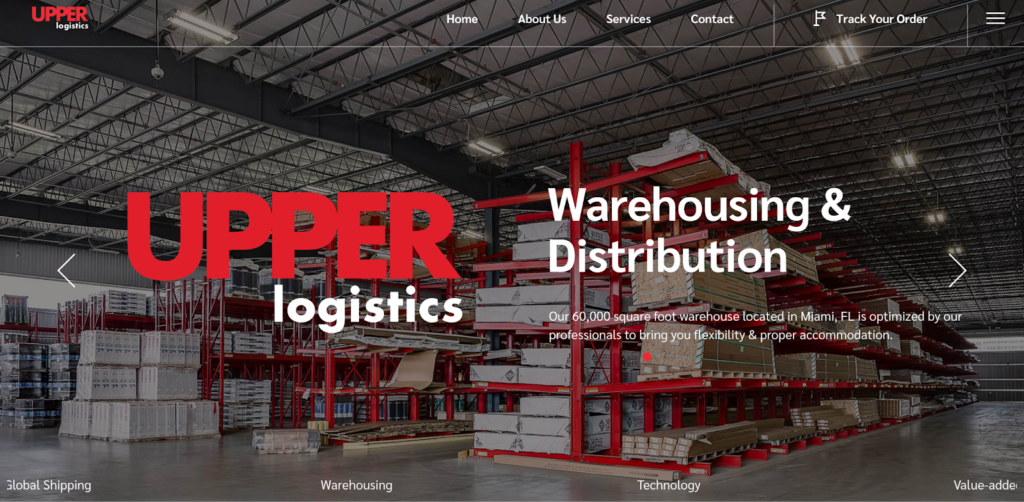
Upper is a route planning and dispatch optimization platform focused on improving scheduling efficiency for service and delivery teams. It is commonly evaluated by field service businesses that want faster route creation, basic dispatch control, and reduced travel time without adopting a full field service management suite.
Upper’s Key Features
- Route Optimization: Automatically builds optimized routes based on location, time windows, and job priorities to reduce travel time and fuel costs.
- Dispatch and Scheduling: Allows dispatchers to assign jobs, adjust routes, and manage daily schedules from a central dashboard.
- Real-Time Updates: Supports live route adjustments when jobs are added, canceled, or delayed during the day.
- Driver and Technician Tracking: Provides basic location visibility to monitor job progress and technician movement.
- Simple Integrations: Connects with CRM, order management, and spreadsheet-based workflows through APIs and imports.
Upper Is Ideal For
- Dispatch teams managing daily service routes with frequent changes
- Businesses that want lightweight optimization without heavy setup
- Operations looking to reduce travel time and manual route planning
Upper’s Pricing
Upper offers subscription-based pricing, typically based on the number of users or routes planned. Pricing is positioned for small to mid-sized service teams seeking route optimization rather than enterprise dispatch orchestration.
Why Locus Is the Best HVAC Dispatch Software in 2026
HVAC operations depend on precise scheduling, technician availability, and fast response to urgent service requests. As service areas expand and job volumes increase, basic dispatch tools struggle to keep plans aligned with real-world conditions. Delays, inefficient routing, and manual coordination quickly affect service quality and costs.
Locus is built for HVAC teams that need dispatch to work across planning, execution, and real-time control. Routes are created with capacity, time windows, and service priorities in mind. Dispatchers can adjust assignments during the day without rebuilding schedules. Operations teams maintain visibility across technicians, jobs, and service commitments as conditions change.
For HVAC businesses operating at scale, this approach supports consistent response times, better technician utilization, and predictable performance across regions.
If your HVAC operation needs execution-first dispatch rather than basic scheduling, Locus is designed for that level of operational control.
Schedule a demo with Locus today to see how it supports scalable, reliable HVAC dispatch operations.
Frequently Asked Questions (FAQs)
1. What is HVAC dispatch software?
HVAC dispatch software helps teams assign service jobs, schedule technicians, and track work in progress. It connects customer requests with technician availability, location, and service priority to reduce delays and manual coordination.
2. How is HVAC dispatch software different from general field service software?
HVAC dispatch software focuses more on rapid job assignment, emergency response, and technician routing. General field service tools may handle invoicing or CRM well but often lack real-time execution control during active service days.
3. Can HVAC dispatch software handle emergency or same-day service calls?
Yes. Execution-focused platforms allow dispatchers to insert urgent jobs, reroute technicians, and adjust schedules during the day without rebuilding the entire plan or disrupting other service commitments.
4. What features matter most for HVAC businesses operating at scale?
Key features include route planning with time windows, live dispatcher control, technician availability tracking, exception handling, and visibility into on-time performance across regions and service zones.
5. Is HVAC dispatch software suitable for multi-location operations?
Enterprise-grade platforms support multiple depots, service areas, and technician pools under a single system, applying consistent dispatch logic while allowing local teams to manage daily execution.


General
Introducing Delivery Promise Management: Your Questions, Answered

Sep 21, 2026
Fewer than one in ten US consumers say retailers always meet delivery commitments. Locus CPO Pradyumna Chowdhary on closing that gap at checkout.
Read more
Retail & CPG
Retail Supply Chain Management: Definition, Components, KPIs, and Strategies
Sep 21, 2026
Learn what retail supply chain management is, how it works, and why it matters. Explore strategies to improve efficiency and delivery speed.
Read moreInsights Worth Your Time



















Top 10 HVAC Dispatch Software for Growing Operations in 2026