


General
Best Home Service Dispatch Software in 2026: Features, Comparisons, and Pricing

Key Takeaways
- The best home service dispatch software improves scheduling efficiency, technician productivity, and on-time service performance.
- Advanced platforms offer automated technician assignment and real-time route optimization to manage growing operational complexity.
- Scalability, system integrations, and performance analytics are critical when evaluating dispatch software for long-term growth.
- SMB-focused tools prioritize simplicity, while enterprise platforms emphasize automation depth and multi-location control.
- Locus combines AI-driven dispatch, dynamic routing, and centralized visibility to support scalable, enterprise-ready home service operations.

Home service businesses face many operational problems as they grow.
The major one is scheduling complexity. Every job must consider technician availability, skill set, location, travel time, and customer time windows. When this is handled manually, delays escalate.
If one job runs late, the next appointment gets pushed from the planned schedule. If a technician is free but not assigned properly, some technicians remain underutilized while others are overloaded. Over time, this increases the cost per job and reduces on-time performance.
Another problem is the lack of real-time visibility. Managers often do not have live updates on technician location, job progress, or delays. When a cancellation or delay happens, schedules cannot be automatically adjusted. This leads to missed SLAs, repeat visits, higher support calls, and poor customer experience.
These are not the only issues. Many other operational challenges arise when planning is not handled properly.
This is likely why you are here, evaluating the best home service dispatch software available today. Modern home service dispatch software solutions automate technician assignment, optimize routes, and provide real-time tracking.
In this guide, we compare the top home service dispatch software, including Locus, ServiceTitan, Housecall Pro, Jobber, FieldPulse, Connecteam, FieldEdge, AI Field Management, ServiceM8, and RazorSync. We explain why they are considered among the best in the market in 2026, what they offer, where they fall short, and help you choose the right solution for your business.
What to Look for in a Great Home Service Dispatch Software
If you’re searching for the best home service dispatch software, you may not be sure which features truly matter. Instead of getting lost in long feature lists, focus on the capabilities that directly improve scheduling, productivity, and service performance.
Here are the key things you should look for.
1. Does It Automate Technician Assignment?
Can the system automatically assign jobs based on skill set, location, availability, and workload? Or does your dispatcher still have to manually drag and drop tasks?
A strong home service dispatch software should reduce manual effort and ensure the right technician is assigned to the right job the first time. This directly improves first-time fix rates and technician utilization.
When evaluating a platform, check whether it:
- Automatically assigns routes without dispatcher intervention, reducing manual effort and scheduling errors.
- Matches technicians by skills and service type, improving first-time fix rates.
- Considers real-time location and workload, minimizing travel time and imbalance.
- Balances tasks across the team, preventing overload and underutilization.
- Fills schedule gaps intelligently, increasing daily job completion.
- Reassigns jobs during delays or cancellations, maintaining operational stability.
If most assignments still require manual intervention, the system will struggle when job volumes increase.
2. Can It Optimize Routes in Real Time?
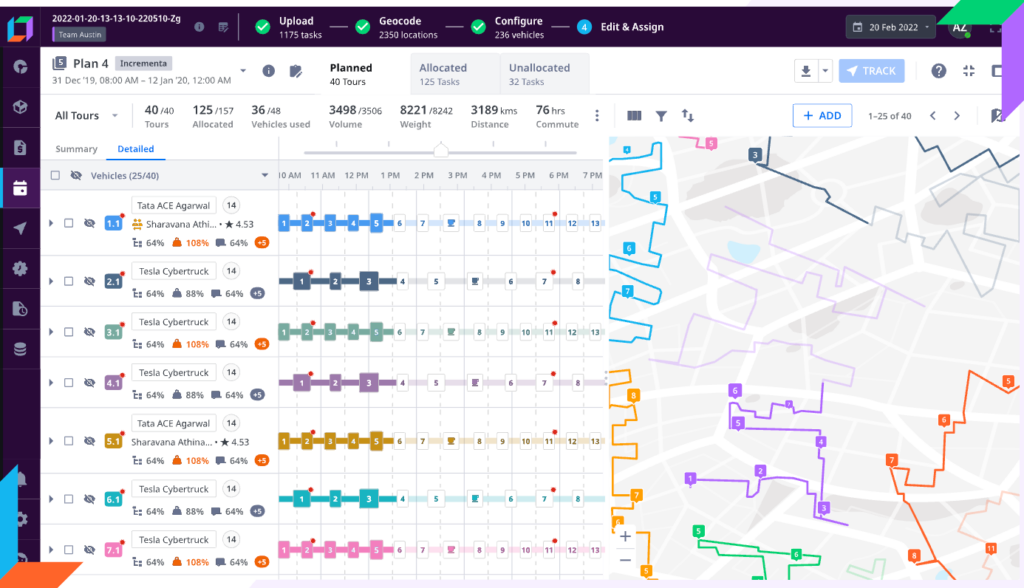
Does the system create routes only once at the start of the day, or can it adjust throughout the day as conditions change?
In home service operations, delays, traffic congestion, extended job durations, and last-minute cancellations are common. If the schedule remains fixed, even small disruptions can affect multiple appointments and reduce overall efficiency.
A strong home service dispatch software should continuously recalculate routes and rebalance schedules in real time. It should account for traffic conditions, technician location, service time windows, and workload to ensure the day stays on track.
Instead of requiring manual reshuffling, the system should automatically make adjustments that protect SLAs and maintain productivity.
When evaluating a platform, ensure it offers dynamic route optimization rather than static planning. Real-time adaptability is what keeps operations stable as volumes increase.
3. Does It Provide Real-Time Visibility?
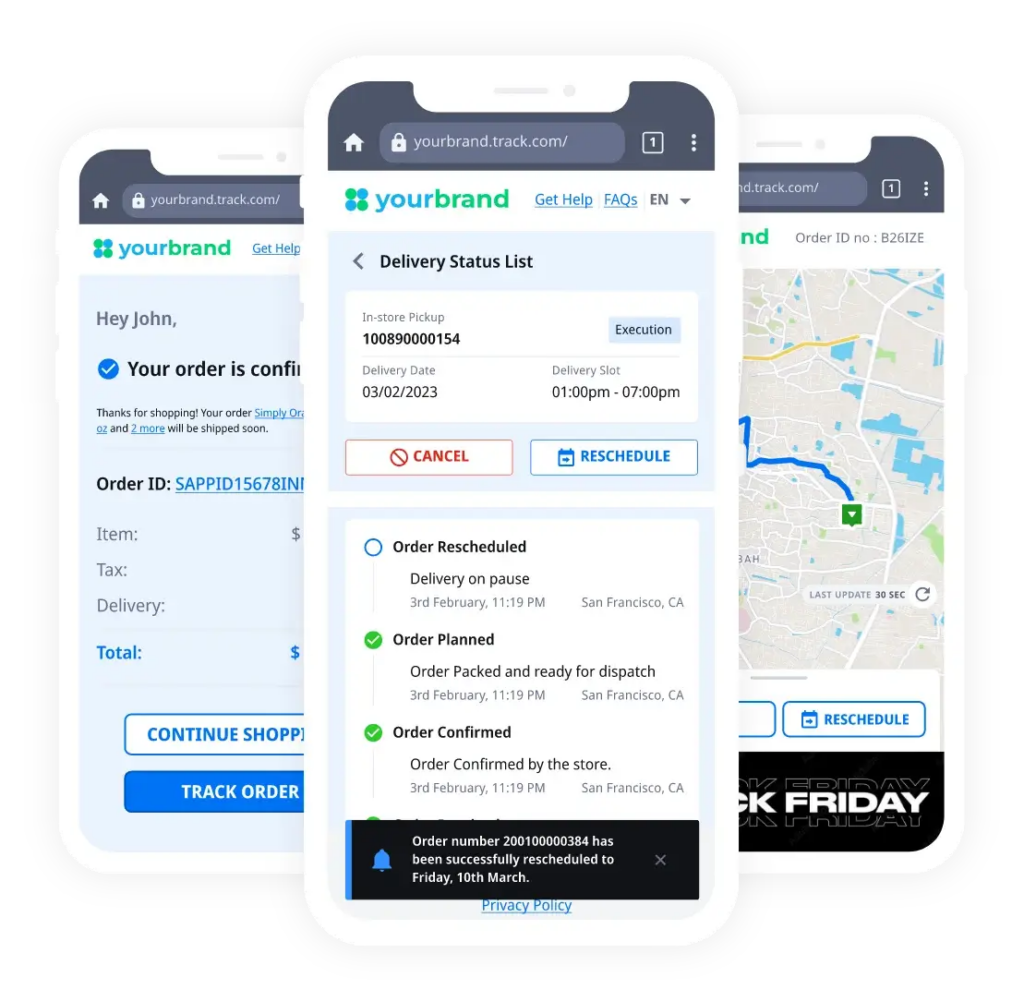
Can you see where every technician is at any moment? Do you know which jobs are completed, in progress, or delayed without relying on phone calls or manual updates?
As service operations expand, limited visibility creates operational blind spots. Managers often learn about delays only after a customer raises a concern. Without centralized oversight, disruptions go unnoticed until they affect SLAs and customer satisfaction.
A strong home service dispatch software should provide
This level of visibility allows managers to act early, rebalance schedules, and maintain service consistency.
When evaluating a platform, look for systems that provide real-time operational control.
4. Does It Scale as You Grow?
What works for a small team may not work when you expand to multiple cities or hundreds of technicians. As job volumes increase, systems that depend on manual adjustments or limited capacity begin to slow down operations.
Make sure the software you choose supports multi-location operations, handles higher job volumes without performance issues, and integrates with your CRM, ERP, billing, or inventory systems so data flows automatically.
A strong home service dispatch software should scale without requiring process changes every time your business grows. It should support centralized control while allowing regional flexibility. Integration capabilities are equally important, since disconnected systems create data silos and operational delays.
5. Does It Provide Performance Analytics?
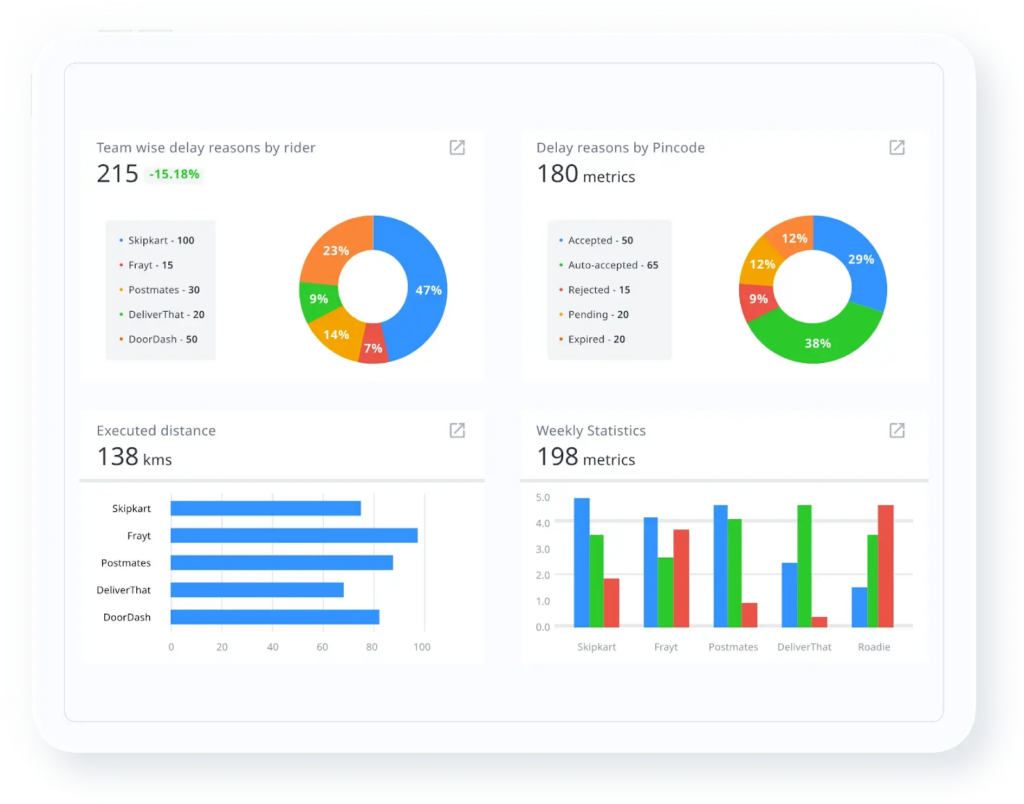
Without measurable data, improving operations becomes difficult. When evaluating a home service dispatch software, check whether it provides:
- On-time delivery performance tracking
- Technician utilization metrics
- First-time fix rate insights
- Cost per job visibility
- SLA compliance reports
- Region-wise or team-wise performance breakdowns
- Real-time dashboards instead of manual reporting
Analytics should go beyond basic reports. The system should help you identify operational challenges, measure improvement over time, and support data-driven scheduling decisions.
If performance insights are limited or difficult to access, long-term optimization will be challenging.
Popular Home Service Dispatch Software Comparisons
The most commonly evaluated home service dispatch software platforms in 2026 include Locus, ServiceTitan, Housecall Pro, Jobber, FieldPulse, Connecteam, FieldEdge, AI Field Management, ServiceM8, and RazorSync.
These tools are frequently shortlisted by growing home service businesses due to their ability to manage challenges such as scheduling complexity, technician allocation, route efficiency, SLA adherence, and real-time visibility.
| Software | Best For | Automation Level | Routing | Scalability |
|---|---|---|---|---|
| Locus | High-volume, multi-location home service operations | Advanced AI-based | Dynamic, real-time re-optimization | High |
| ServiceTitan | HVAC & trade contractors | Rule-based | Schedule-driven, limited optimization | Medium–High |
| Housecall Pro | Small to mid-sized service teams | Basic | Static routing | Medium |
| Jobber | Small, single-region service teams | Basic | Limited routing | Medium |
| FieldPulse | Growing small to mid-sized teams | Basic to Limited | Basic routing | Medium |
| Connecteam | Workforce coordination-focused teams | Minimal dispatch automation | Not routing-focused | Medium |
| FieldEdge | HVAC & recurring service contractors | Limited automation | Basic routing | Medium |
| AI Field Management | Small to mid-sized service businesses | Basic to Partial | Basic routing | Medium |
| ServiceM8 | Sole operators & small teams | Basic | Static routing | Low–Medium |
| RazorSync | Small to mid-sized trade businesses | Limited automation | Basic routing | Medium |
1. Locus
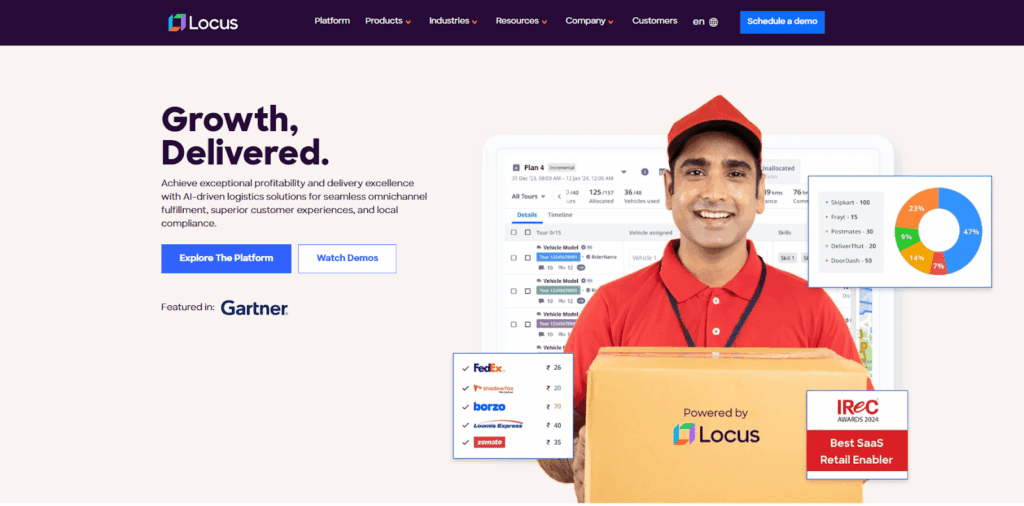
Locus is built for home service businesses that need structured automation across dispatch, routing, visibility, and performance tracking. It addresses the core evaluation criteria discussed earlier – automated technician assignment, real-time route optimization, centralized operational control, scalability, and measurable performance analytics.
Rather than functioning as a basic scheduling board, Locus is designed to manage high job volumes, multi-location teams, and strict SLA commitments without manual rework.
Why Choose Locus for Home Service Dispatch
Based on the criteria discussed earlier, Locus differentiates in three areas that directly impact operational control.
1. AI-Based Technician Assignment
Locus automatically assigns jobs using predefined business rules combined with real-time inputs such as technician skill set, availability, workload, and location. This reduces manual intervention and ensures balanced workload distribution across teams.
Instead of relying on dispatchers to manually assign bulk jobs, the system generates optimized plans within minutes. This becomes critical when job volumes increase or when delivery windows are tight.
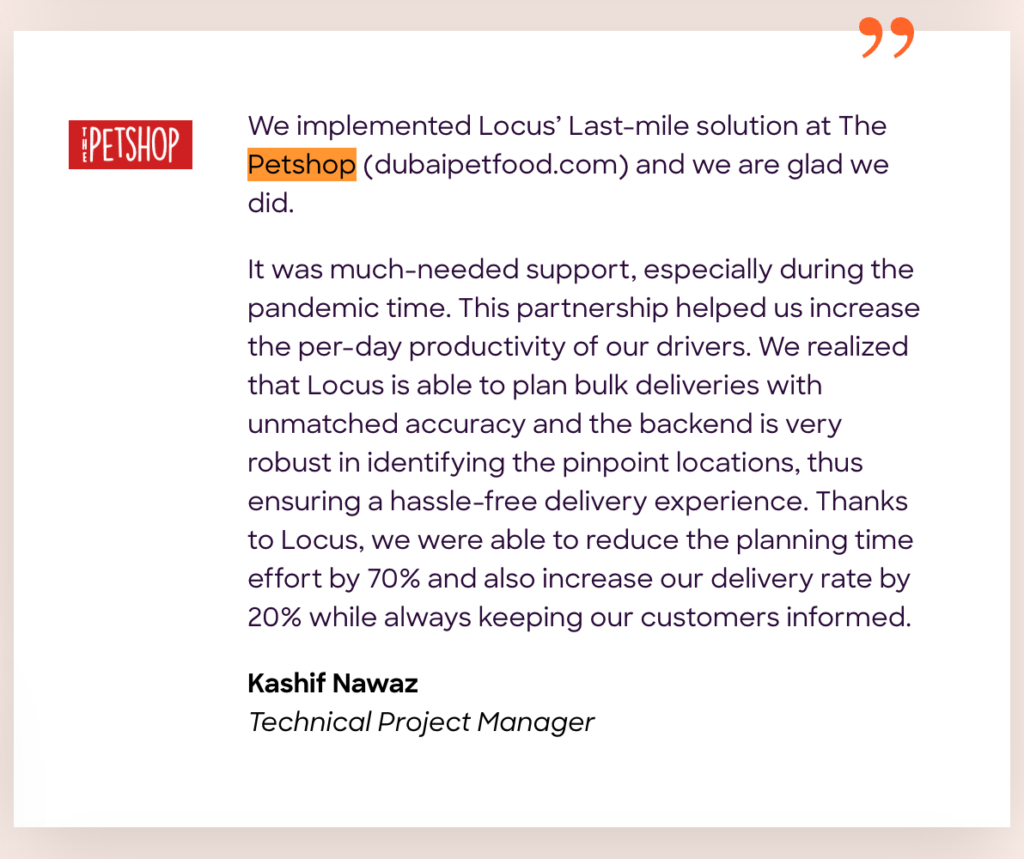
When Petshop implemented Locus to automate its last-mile planning, the team reduced planning effort by 70% and increased delivery rates by 20%, while improving driver productivity and maintaining customer communication. The platform’s ability to accurately plan bulk deliveries helped streamline daily operations without increasing manual intervention.
This demonstrates how automated technician assignment directly improves operational efficiency and service reliability.
2. Dynamic Route Optimization
Instead of creating fixed routes at the start of the day, Locus continuously recalculates routes when delays, cancellations, or traffic changes occur. This helps maintain time-window commitments and protects on-time performance.
Bazaar, a fast-scaling B2B marketplace, initially managed routes manually. As order volumes grew and delivery constraints became more complex, routing became difficult to manage.
After implementing Locus, the team adopted volumetric planning and zone-based routing to improve rider experience and operational efficiency. The platform enabled smarter vehicle utilization, reduced unnecessary travel, and supported double runs to increase capacity without expanding fleet size.
This demonstrates how dynamic routing helps protect on-time performance while controlling fleet costs as operations scale.
3. Centralized Control Tower Visibility
Locus provides a unified operational dashboard that shows technician location, job status, and SLA adherence in real time. This allows managers to intervene early when service risks appear.
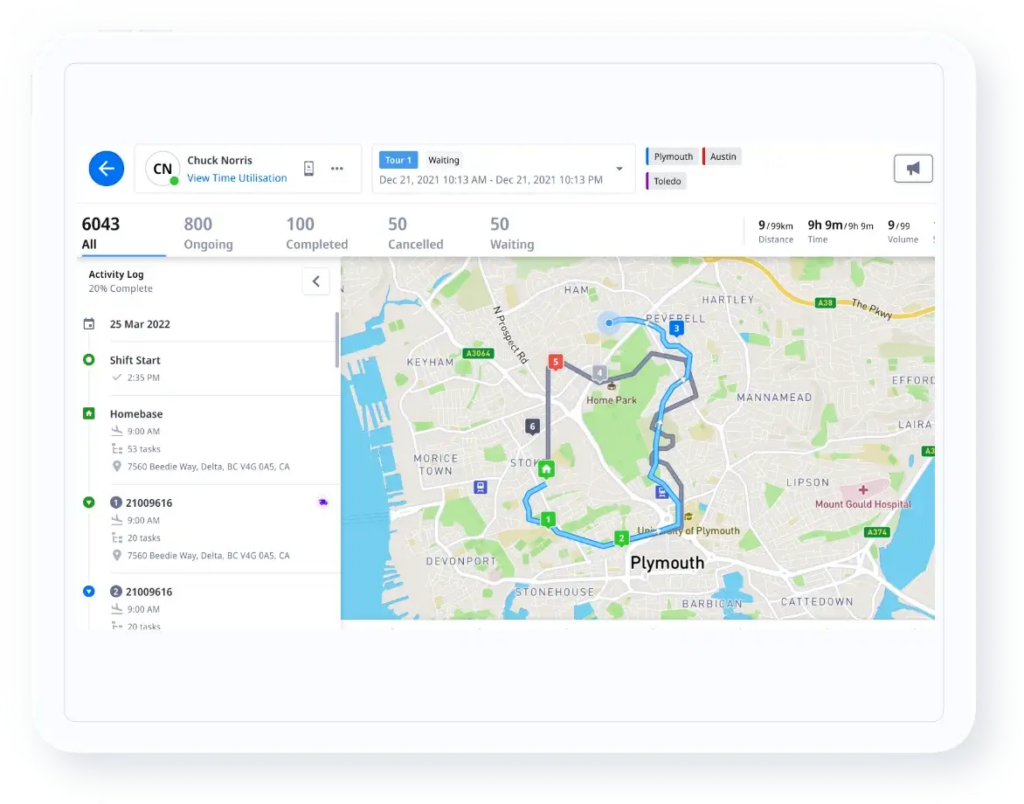
Instead of reacting after a missed appointment, teams can identify risks early. If a job runs longer than expected or a technician deviates from the planned route, the system surfaces alerts that allow dispatch managers to reassign tasks or adjust schedules immediately.
This level of transparency is important when managing multi-location operations or high daily job volumes. Real-time control helps reduce escalation calls, protect service commitments, and maintain operational consistency across regions.
Several enterprise customers use Locus for real-time tracking and proactive issue detection to improve SLA adherence and customer communication. By centralizing operational visibility, businesses move from reactive problem-solving to structured intervention.
Together, these capabilities address the core operational challenges of scheduling complexity, route inefficiency, and limited visibility that growing home service businesses face.
Operational Impact of Locus
For growing home service businesses, these capabilities translate into measurable operational improvements:
- Increased technician utilization through automated workload balancing
- Improved on-time performance with dynamic route adjustments
- Lower cost per job by reducing unnecessary travel and manual planning effort
- Stronger SLA adherence through real-time monitoring and intervention
- Data-driven decision-making supported by structured performance dashboards
Locus also integrates with CRM, ERP, and billing systems, ensuring dispatch decisions align with broader operational workflows rather than functioning in isolation.
When Locus Is the Right Fit
Locus is most suitable for:
- Home service businesses managing high job volumes
- Multi-city or multi-region service operations
- Enterprises requiring structured SLA monitoring and performance analytics
- Teams that have outgrown manual, spreadsheet-based, or rule-only dispatch systems
It is particularly relevant for organizations seeking centralized operational control and scalable automation rather than basic scheduling functionality.
Considerations Before Choosing Locus
Locus is designed for structured, large-scale operations. Its implementation typically involves defined onboarding, integration setup, and process alignment.
For teams with simple routing needs or low daily job volumes, a lightweight scheduling tool may be sufficient. Locus is better suited for organizations that require automation depth, centralized control, and scalability.
More than a scheduling tool, it is a dispatch optimization platform built for businesses that need intelligent automation, real-time control, and scalability.
If your priority is operational efficiency at scale rather than basic task assignment, Locus aligns strongly with those requirements.
Locus Pricing
Locus follows a custom pricing model tailored to operational requirements. Pricing generally varies based on:
- Number of technicians or vehicles
- Monthly job volume
- Geographic coverage
- Selected modules (Dispatch Planning, Track & Trace, Analytics, etc.)
- Integration and implementation scope
Since Locus is built for structured, large-scale operations, pricing is aligned with operational complexity rather than flat per-user tiers.
Businesses typically go through a discovery discussion and demo to receive a tailored quote.
2. ServiceTitan
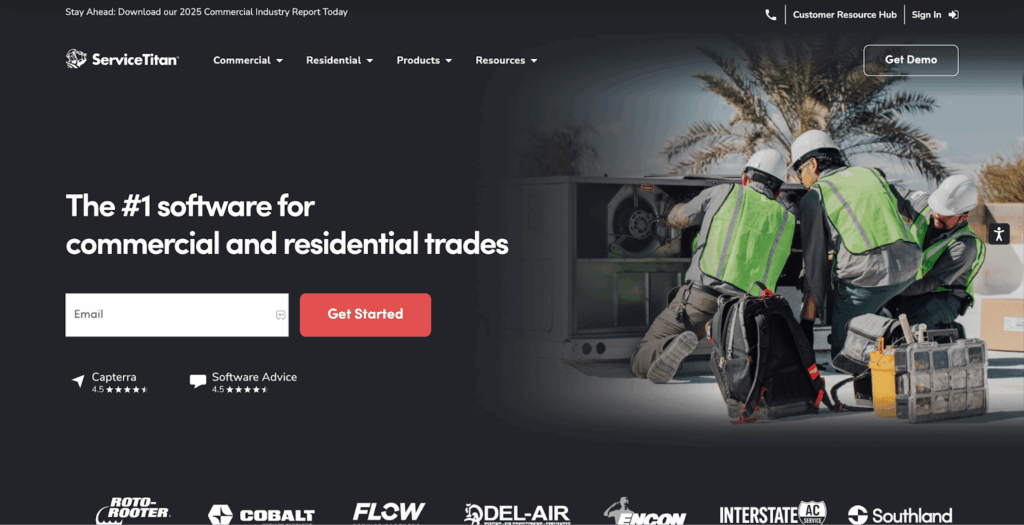
ServiceTitan is a field service management platform primarily designed for HVAC, plumbing, electrical, and other trade service contractors. It combines dispatching, CRM, invoicing, customer communication, and reporting within a single system.
ServiceTitan focuses on managing the entire service business lifecycle, from call booking to invoice collection. Dispatch is one component of a broader operational suite.
Key Features of ServiceTitan
- Rule-Based Technician Assignment: Jobs can be allocated based on predefined technician skills, certifications, and availability windows.
- Integrated CRM: Stores customer history, service records, estimates, and communication logs in one system.
- Invoicing & Payment Processing: Built-in billing tools allow technicians to generate invoices and collect payments on-site.
- Business Reporting & Dashboards: Provides performance insights such as revenue tracking, technician efficiency, and service metrics.
ServiceTitan Is Best for
- Purpose-Built for Trade Services: ServiceTitan is specifically designed around HVAC and contractor workflows, making it highly aligned with service-based business operations.
- All-in-One Platform: Combines dispatch, customer management, invoicing, and reporting in one system, reducing the need for multiple tools.
- Strong CRM Capabilities: Provides deep visibility into customer history, enabling better service continuity and upsell opportunities.
- Mature Ecosystem: Widely adopted in the trade services industry with structured workflows and established best practices.
ServiceTitan’s Cons
- Advanced Route Optimization Depth: Routing functionality is primarily schedule-driven and may not offer continuous, AI-based re-optimization for complex, high-volume dispatch environments.
- Logistics-Centric Control: Focuses more on service lifecycle management than on centralized, logistics-first fleet orchestration.
- Enterprise Fleet Scalability: For organizations managing highly complex, multi-region fleet operations, additional logistics-specific capabilities may be required.
ServiceTitan’s Pricing
ServiceTitan follows a custom pricing model that varies based on business size, number of users, and selected feature modules. Pricing is not publicly listed. Interested businesses typically go through a demo and consultation process before receiving a tailored quote.
3. Housecall Pro
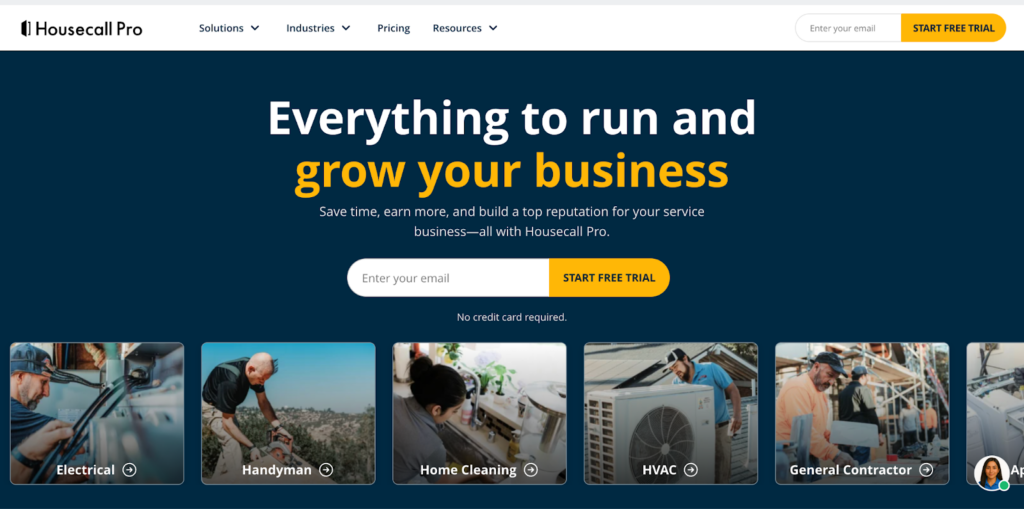
Housecall Pro is a field service management platform designed for small to mid-sized home service businesses. It offers scheduling, dispatching, customer communication, payments, and basic reporting within a user-friendly interface.
The platform is built primarily for contractors who need a straightforward system to manage appointments, send estimates, and collect payments without complex routing or logistics requirements.
Key Features of Housecall Pro
- Drag-and-Drop Scheduling: A visual calendar that allows dispatchers to assign and rearrange jobs quickly.
- Basic Technician Assignment: Jobs can be assigned based on availability and service type.
- Customer Notifications: Automated appointment reminders and status updates via SMS or email.
- Online Booking: Customers can schedule services directly through a booking portal.
- Estimates & Invoicing: Technicians can create estimates and convert them into invoices on-site.
Housecall Pro Is Best for
- Small Service Teams: Ideal for businesses with limited dispatch complexity and moderate daily job volumes.
- Contractors Seeking Simplicity: Well-suited for teams prioritizing ease of use over advanced automation.
- Customer-Focused Workflows: Strong in appointment reminders and customer communication.
- Quick Implementation Needs: Typically easier to set up compared to enterprise-grade systems.
Housecall Pro’s Cons
- Limited Advanced Routing: Does not offer dynamic, AI-driven route optimization.
- Basic Automation Depth: Assignment logic is more availability-based rather than constraint-based.
- Scalability Constraints: May not support highly complex, multi-region operations effectively.
Housecall Pro’s Pricing
Housecall Pro follows a tiered subscription pricing model based on features and number of users. Pricing is publicly available through plan tiers, and businesses can upgrade as operational needs grow.
4. Jobber
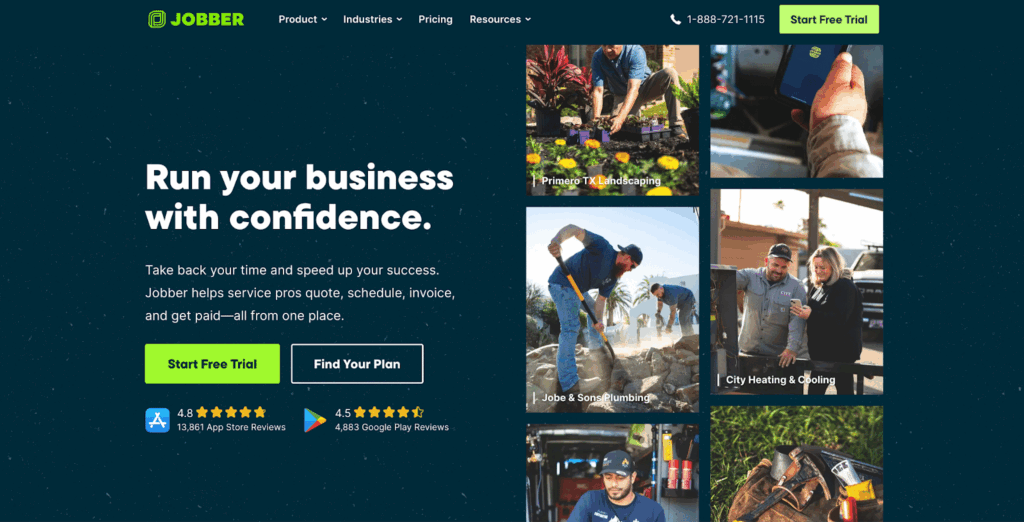
Jobber is a service management and scheduling platform designed for small home service businesses that need a simple way to organize jobs, dispatch technicians, and manage customer communication. It focuses on usability and daily workflow management rather than advanced logistics optimization.
The platform is built for teams that want structured scheduling, invoicing, and customer tracking without requiring complex routing logic or large-scale operational orchestration.
Key Features of Jobber
- Job Scheduling: A centralized calendar that allows dispatchers to assign and manage appointments.
- Technician Assignment: Jobs can be assigned based on availability and service type.
- Customer Notifications: Automated appointment reminders and status updates.
- Invoicing & Payments: Tools for creating invoices and collecting payments.
- Basic Reporting: Provides visibility into job completion and revenue performance.
Jobber Is Best for
- Small, Single-Region Service Businesses: Ideal for teams operating within a limited geographic area.
- Limited Technician Teams: Suitable for businesses managing a small number of field technicians.
- Simplicity-Focused Operations: Well-suited for teams prioritizing ease of use and quick adoption.
- Daily Workflow Management: Helps small teams manage appointments efficiently.
Jobber’s Cons
- Limited Advanced Routing: Does not offer dynamic, AI-driven route optimization.
- Basic Automation Depth: Assignment logic is primarily availability-based.
- Scalability Constraints: Not designed for complex, multi-region, or high-volume dispatch operations.
Jobber’s Pricing
Jobber follows a subscription-based pricing model with tiered plans based on features and the number of users. Pricing is publicly available, and businesses can upgrade plans as operational needs grow.
5. FieldPulse
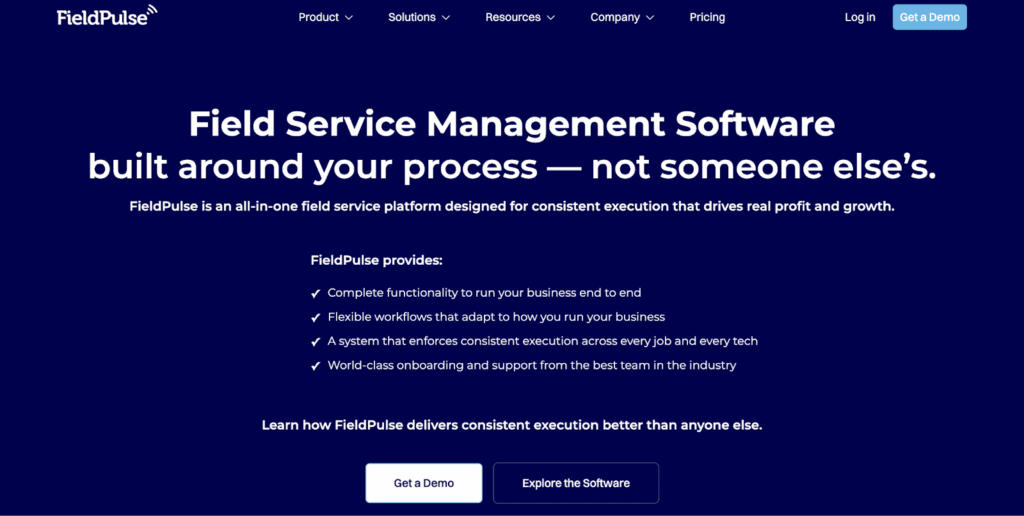
FieldPulse is a field service management platform designed for small to mid-sized service businesses. It offers job management, dispatching, customer communication, invoicing, and reporting within a centralized system. The platform is built for teams that need structured scheduling and operational visibility without requiring advanced logistics optimization.
Key Features of FieldPulse
- Job scheduling and dispatch: Calendar-based scheduling with basic technician assignment and status tracking.
- Work order and invoicing tools: Create estimates, invoices, and collect payments within the platform.
- Mobile technician app: Enables technicians to view jobs, update status, capture photos, and collect signatures.
- Customer records: Stores job history and contact details for repeat service work.
FieldPulse Is Best for
- Businesses with limited daily rescheduling needs
- Teams prioritizing simplicity over execution-time optimization
FieldPulse’s Cons
- Limited Advanced Routing: Does not provide AI-driven, dynamic route optimization.
- Basic Automation Depth: Assignment logic is primarily availability-based rather than constraint-driven.
- Scalability Constraints: May not support complex, multi-region fleet operations.
FieldPulse’s Pricing
FieldPulse provides subscription-based pricing structured around user count and selected features. Plans are designed to accommodate growing service teams with moderate dispatch requirements.
6. Connecteam
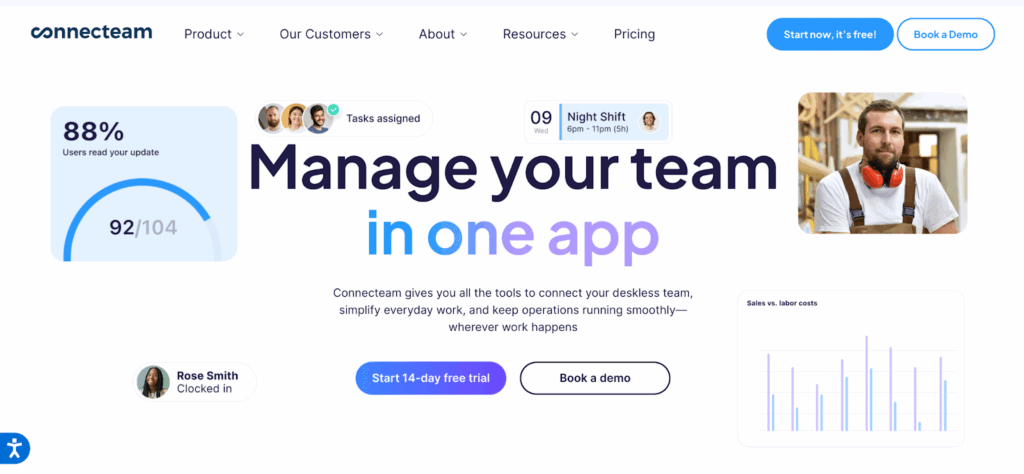
Connecteam is a workforce management platform designed for businesses that need employee scheduling, time tracking, and team communication tools. It focuses more on managing field employees and internal coordination rather than advanced dispatch optimization or route planning.
Key Features of Connecteam
- Task and shift assignment: Assigns work shifts and tasks to mobile teams using a centralized dashboard.
- Employee time and activity tracking: Tracks clock-ins, job duration, and task completion.
- Mobile workforce communication: Supports in-app messaging and job instructions for field teams.
- Basic dispatch workflows: Suitable for task coordination rather than route-intensive dispatch operations.
Connecteam Is Best for
- Workforce Coordination: Businesses prioritizing employee management over dispatch optimization workflows.
- Internal Communication Needs: Teams that require centralized messaging and operational updates.
- Shift-Based Operations: Organizations managing structured work shifts rather than route-based dispatch.
- Small to Mid-Sized Teams: Suitable for companies with limited routing complexity.
Connecteam’s Cons
- No Advanced Dispatch Automation: Does not offer technician auto-assignment based on routing logic.
- Limited Route Optimization: Not built for dynamic, constraint-based delivery routing.
- Minimal SLA Monitoring: Lacks structured tools for delivery time-window adherence tracking.
- Not Logistics-Focused: Primarily designed for workforce management rather than fleet orchestration.
Connecteam’s Pricing
Connecteam follows a subscription-based pricing model with tiered plans based on the number of users and selected modules.
It has a Free tier available. Paid plans are based on the number of users.
7. FieldEdge
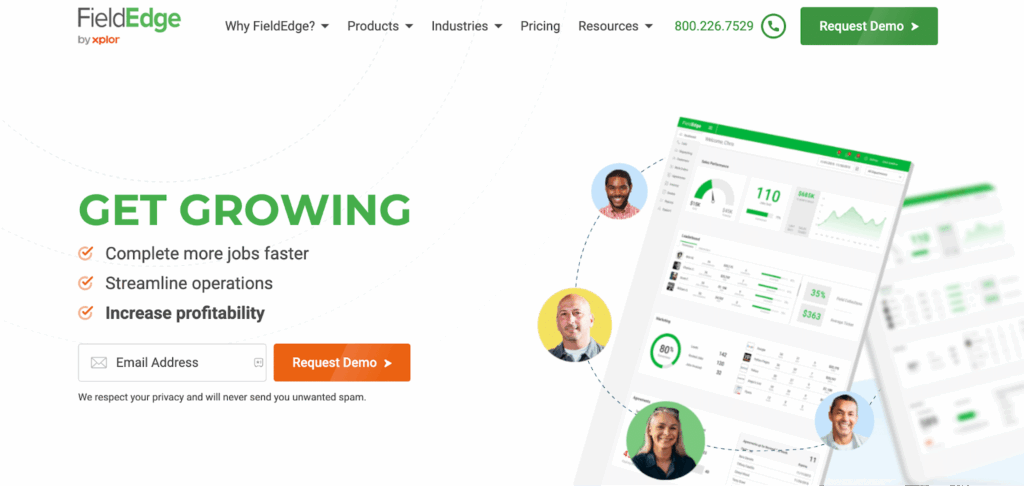
FieldEdge is a field service management platform primarily designed for HVAC, plumbing, and electrical contractors. It combines dispatching, service agreement management, invoicing, and customer history tracking within a contractor-focused system built for structured service workflows.
Key Features of FieldEdge
- Dispatch Scheduling: Visual dispatch board to assign and monitor technician workloads throughout the day.
- Technician Tracking: Real-time visibility into technician status and active job progress updates.
- Service Agreement Management: Tools to manage recurring maintenance contracts and scheduled service visits.
- Customer History Tracking: Access to detailed service records, equipment history, and past invoices.
- Invoicing & Payments: On-site billing tools with integrated payment processing capabilities.
- Business Reporting: Performance dashboards covering revenue metrics, service trends, and technician productivity.
FieldEdge Is Best for
- HVAC & Trade Contractors: Businesses managing structured service contracts and maintenance agreements.
- Recurring Service Operations: Teams handling regular customer maintenance schedules.
- Mid-Sized Service Companies: Organizations needing integrated dispatch and service tracking.
- Contractor-Centric Workflows: Companies prioritizing service lifecycle management.
FieldEdge’s Cons
- Limited Advanced Route Optimization: Does not provide AI-driven, dynamic routing recalculations.
- Basic Automation Logic: Assignment typically depends on dispatcher input rather than constraint-based optimization.
- Multi-Region Scalability Limits: Not specifically built for complex, multi-depot fleet orchestration.
- Logistics Analytics Depth: Reporting focuses on service metrics rather than advanced fleet utilization modeling.
FieldEdge’s Pricing
FieldEdge operates on a customized pricing structure aligned with business scale and system configuration. Pricing is typically defined based on operational scope and feature requirements.
8. AI Field Management
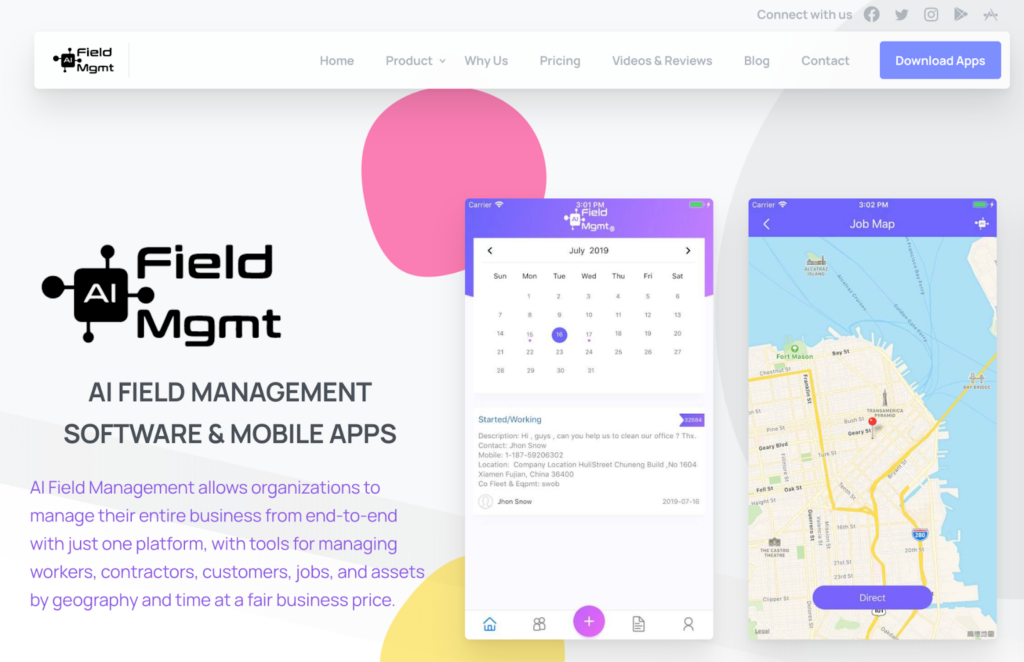
AI Field Management is a field service management platform designed for small to mid-sized service businesses. It provides scheduling, dispatching, CRM functionality, and reporting tools aimed at improving daily operational coordination.
The platform focuses on organizing service workflows and technician management rather than advanced fleet optimization or enterprise-level logistics orchestration.
Key Features of AI Field Management
- Job Scheduling & Dispatch: Centralized scheduling interface to assign and manage technician appointments.
- Technician Assignment: Jobs can be allocated based on availability and predefined service categories.
- Customer Management: Stores client information, service history, and communication records.
- Mobile Workforce Access: Field technicians can access job details and update status through mobile devices.
- Invoicing & Payments: Tools for generating invoices and processing customer payments.
- Operational Reporting: Basic dashboards providing visibility into job completion and revenue metrics.
AI Field Management Is Best for
- Small to Mid-Sized Service Businesses: Suitable for companies with moderate job volumes.
- Structured Service Workflows: Teams that need organized scheduling and customer tracking.
- Simplified Dispatch Needs: Operations without complex routing constraints.
- Quick Adoption Requirements: Businesses seeking straightforward implementation and usability.
AI Field Management’s Cons
- Limited Advanced Route Optimization: Does not emphasize real-time, constraint-based route recalculation.
- Basic Automation Depth: Technician assignment relies primarily on availability rather than dynamic optimization.
- Scalability Constraints: May not support large-scale, multi-region fleet operations effectively.
- Limited Logistics Analytics: Reporting focuses more on service activity than advanced SLA performance modeling.
AI Field Management’s Pricing
AI Field Management structures pricing based on business size and selected modules. Costs are typically shared after understanding operational requirements.
9. ServiceM8
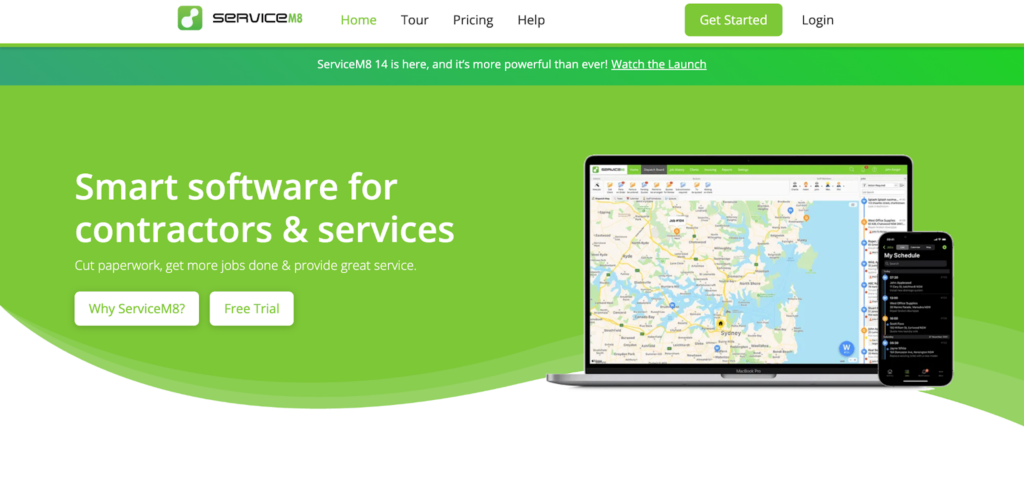
ServiceM8 is a field service management platform designed for small home service businesses and sole operators. It provides scheduling, job tracking, invoicing, and customer management tools within a mobile-first system built for simplicity.
The platform is focused on helping small teams manage daily service appointments efficiently without requiring advanced dispatch optimization or complex logistics coordination.
Key Features of ServiceM8
- Job Scheduling & Dispatch: Manage and assign jobs through a centralized calendar interface.
- Mobile App for Technicians: Field staff can view job details, update status, and capture notes in real time.
- Customer Notifications: Automated appointment reminders and service status updates.
- Quoting & Invoicing: Create quotes, convert them to invoices, and process payments digitally.
- Job History Tracking: Maintain service records and communication logs for repeat customers.
- Basic Reporting: View simple performance summaries related to jobs and revenue.
ServiceM8 Is Best for
- Sole Operators & Small Teams: Ideal for businesses managing limited daily job volumes.
- Single-Region Operations: Suitable for companies operating within a compact service area.
- Mobile-First Workflows: Designed for teams that rely heavily on smartphone-based coordination.
- Low Complexity Dispatch Needs: Works well for straightforward routing environments.
ServiceM8’s Cons
- No Advanced Route Optimization: Does not provide AI-driven, dynamic routing adjustments.
- Limited Automation Depth: Technician assignment is primarily manual or availability-based.
- Scalability Constraints: Not built for multi-depot or large fleet operations.
- Limited Logistics Analytics: Reporting focuses on job tracking rather than SLA or fleet efficiency modeling.
ServiceM8 Pricing
ServiceM8 follows a subscription-based pricing model with tiered plans, typically suited for small, mobile service teams.
10. RazorSync
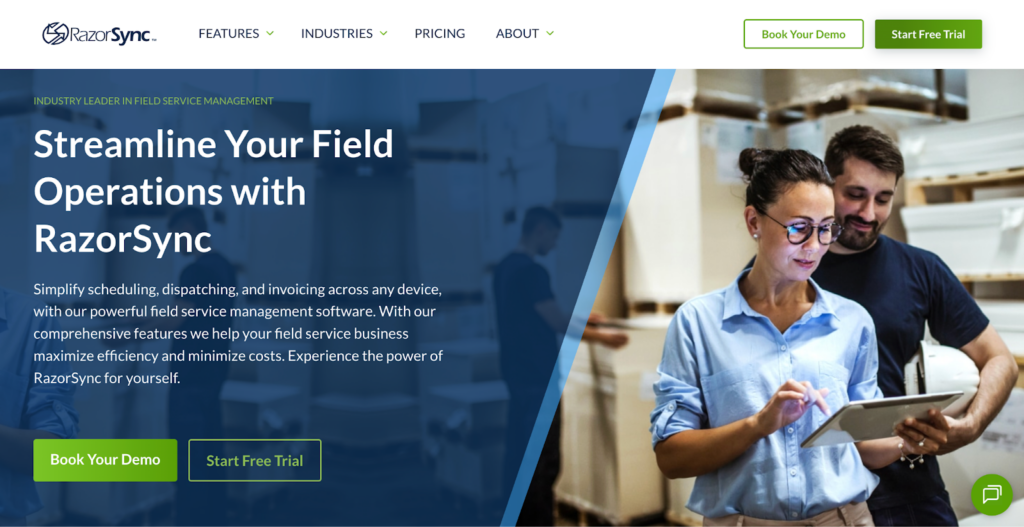
RazorSync is a field service management platform designed for small to mid-sized service businesses, particularly in HVAC and trade services. It provides scheduling, dispatching, customer management, invoicing, and reporting tools within a unified system.
The platform focuses on helping service teams manage daily operations efficiently without emphasizing advanced route optimization or large-scale logistics orchestration.
Key Features of RazorSync
- Job Scheduling & Dispatch: Assign and manage technician appointments through a centralized scheduling interface.
- Technician Tracking: Monitor job status and technician progress throughout the workday.
- Customer Management: Maintain service history, job details, and communication records in one system.
- Estimates & Invoicing: Generate quotes, convert them into invoices, and collect payments digitally.
- Mobile Workforce Access: Field technicians can access schedules and update job progress through a mobile app.
- Operational Reporting: Provides visibility into revenue performance and technician productivity metrics.
RazorSync Is Best for
- Small to Mid-Sized Trade Businesses: Suitable for HVAC and contractor-focused operations.
- Single-Region Service Operations: Ideal for businesses operating within defined geographic areas.
- Structured Daily Scheduling Needs: Works well for teams managing moderate job volumes.
- Service Workflow Coordination: Designed for businesses prioritizing job tracking and billing integration.
RazorSync’s Cons
- Limited Advanced Route Optimization: Does not offer AI-driven, constraint-based routing recalculations.
- Basic Automation Logic: Assignment relies primarily on dispatcher input rather than dynamic optimization.
- Scalability Constraints: Not built for complex, multi-region fleet orchestration environments.
- Limited Logistics-Focused Analytics: Reporting centers on service metrics rather than advanced SLA performance analysis.
RazorSync Pricing
RazorSync offers subscription-based pricing tailored to business size and feature requirements. Plans typically scale based on the number of users and operational needs. Businesses must contact the sales team for detailed pricing information and plan breakdowns.
Why Locus Stands Out for Home Service Dispatch in 2026
Selecting the best home service dispatch software is about enabling consistent execution as operations grow. As job volumes increase and service expectations rise, structured automation and real-time visibility become essential.
Locus is designed for operational scale, combining AI-based technician assignment, dynamic route optimization, and centralized control tower visibility. These capabilities support balanced workloads, improved on-time performance, and measurable SLA adherence across multi-location service operations.
Backed by Ingka Group and trusted by brands across 30+ countries, Locus brings long-term platform stability alongside deep execution capability. Its modular, API-first architecture allows businesses to evolve dispatch, fulfillment, and analytics workflows as networks expand.
For organizations investing in dispatch as a strategic capability, Locus provides the execution depth and reliability required to support growth with confidence.
Schedule a demo with Locus to explore how enterprise dispatch orchestration enables scalable, future-ready home service operations.
Frequently Asked Questions (FAQs)
1. How long does it take to implement home service dispatch software?
Implementation timelines vary based on operational complexity, integrations, and data migration needs. Small teams may onboard within weeks, while multi-location enterprises typically follow a structured rollout plan to ensure process alignment and system integration.
2. Can dispatch software integrate with existing CRM and billing systems?
Most modern home service dispatch platforms support API-based integrations with CRM, ERP, and billing tools. Integration capability is critical to ensure dispatch decisions align with customer records, invoicing workflows, and operational reporting.
3. Does dispatch software support SLA-based scheduling?
Advanced dispatch systems allow SLA-based prioritization, ensuring urgent or premium jobs are scheduled appropriately. This helps protect service commitments and maintain consistent on-time performance across high-volume operations.
4. How does AI improve technician utilization?
AI-based dispatch systems analyze real-time availability, job type, location, and workload to balance assignments. Several Locus customers have reported measurable improvements in driver productivity and route efficiency after automating manual planning processes.
5. Is home service dispatch software suitable for small businesses?
Yes. Smaller teams can benefit from structured scheduling and automated notifications. However, the level of automation and optimization required depends on daily job volume, geographic spread, and service complexity.


General
FarEye Pricing Guide (2026): Packages, Reviews & Enterprise Alternatives

Feb 25, 2026
Key Takeaways How We Gathered Insights on FarEye Pricing FarEye does not publicly disclose pricing tiers or package costs. To build this guide, we analyzed publicly available information from trusted software review platforms and industry sources, including: These platforms provide insights from verified users across logistics, retail, and supply chain industries. Instead of relying on […]
Read more
General
Which of These 6 Home Phlebotomy Software Platforms Fits Your Operations?
Feb 25, 2026
Compare home phlebotomy software in 2026. Review dispatch, routing, lab integration, and tracking to choose the right platform for your operations.
Read moreInsights Worth Your Time



















Best Home Service Dispatch Software in 2026: Features, Comparisons, and Pricing